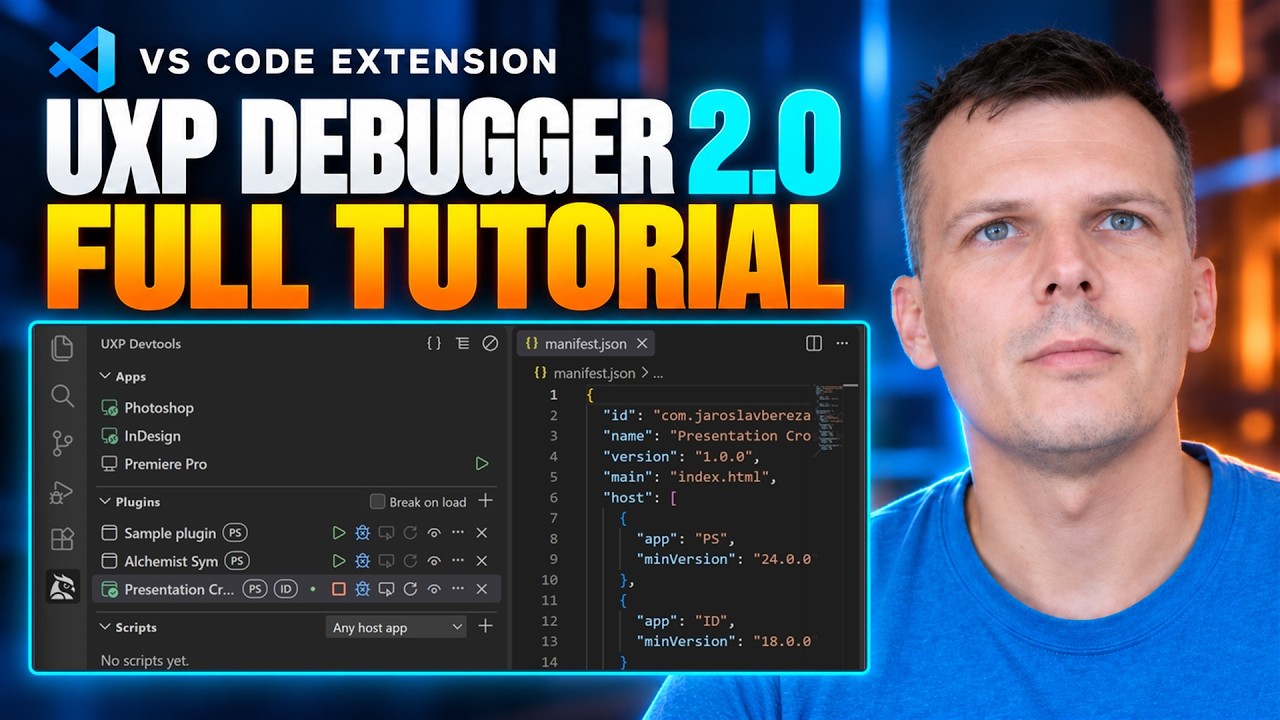
I created new version 2.0 of UXP Debugger for VSCode.
Changes:
- does not need UDT at all (no patching)
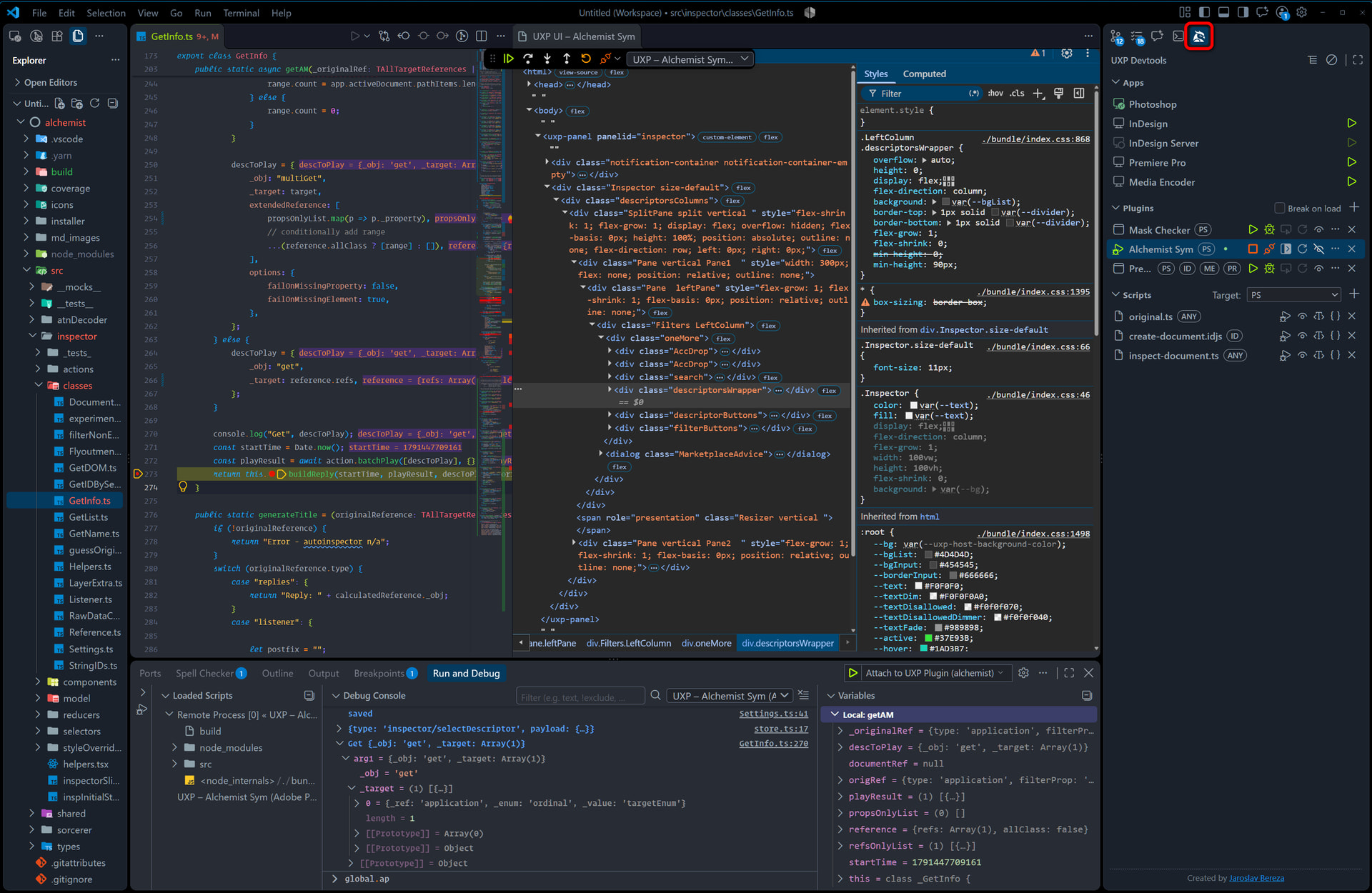
- has its own UI panel to manage plugins (e.g. load and unload)
- supports script files (.psjs, .idjs, .ccjs, .js, .ts)
- along with inlined sourcemaps now it also supports external sourcemaps from .map file
- you can run and debug TypeScript script files directly without any build step (does not apply to plugins)
- has its own built-in UI inspector forked from most recent Chrome DevTools
- supports debugging multiple plugins at the same time
- adds refresh to reload UI
- adds reload to unload + load plugin + attach debugger back. So it applies manifest, icon or hybrid plugin change
- adds watch mode that performs reload or refresh automatically based on where it detects change (e.g. change plugin name in manifest and you see it instantly)
- exposes REST API hooks for your build tools to manage plugin if you need fine tuned control from your bundler or automate plugin management
- adds AI tools so AI can load plugin, set breakpoint, jump to it and read values in variables at that breakpoint
- improved automatic source map detection
- and much more
Get it here: UXP Debugger - Visual Studio Marketplace
 If your source maps did not map correctly with UXP Debugger for VS Code and you used UXP Bolt, please update “Bolt UXP” version 1.3.26 or higher. Together with Justin Taylor we found that issue and fixed it.
