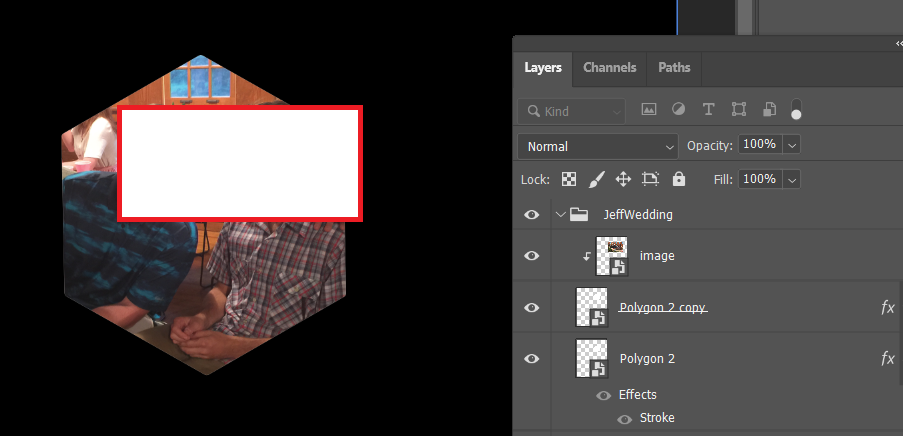
I know, I know, this topic has been asked 10,000 times brfore. I have ready and tried everything. Quick review of my layers:
Bottom layer - a shape layer of a hexagon with a red stroke applied - red stroke centered, 35px
Middle layer - a shape layer of a hexagon with no stroke applied
Top layer - an image
Here is what I have tried:
- Highlight top and bottom layers and click the line between the top and middle layers and create a clipping mask. This works and my image is show in the hexagon but no stroke is seen
- Highlight top 2 layers and click the line between the top and middle layers and create a clipping mask. This works and my image is show in the hexagon but no stroke is seen from the bottom layer
Further info:
- All layers are visiblenone of the layers are locked
- I can easily move the picture inside the hexagon
I have attached a photo of my layers and image.
Could someone please help me figure out how to put a stroke on the hexagon. TIA