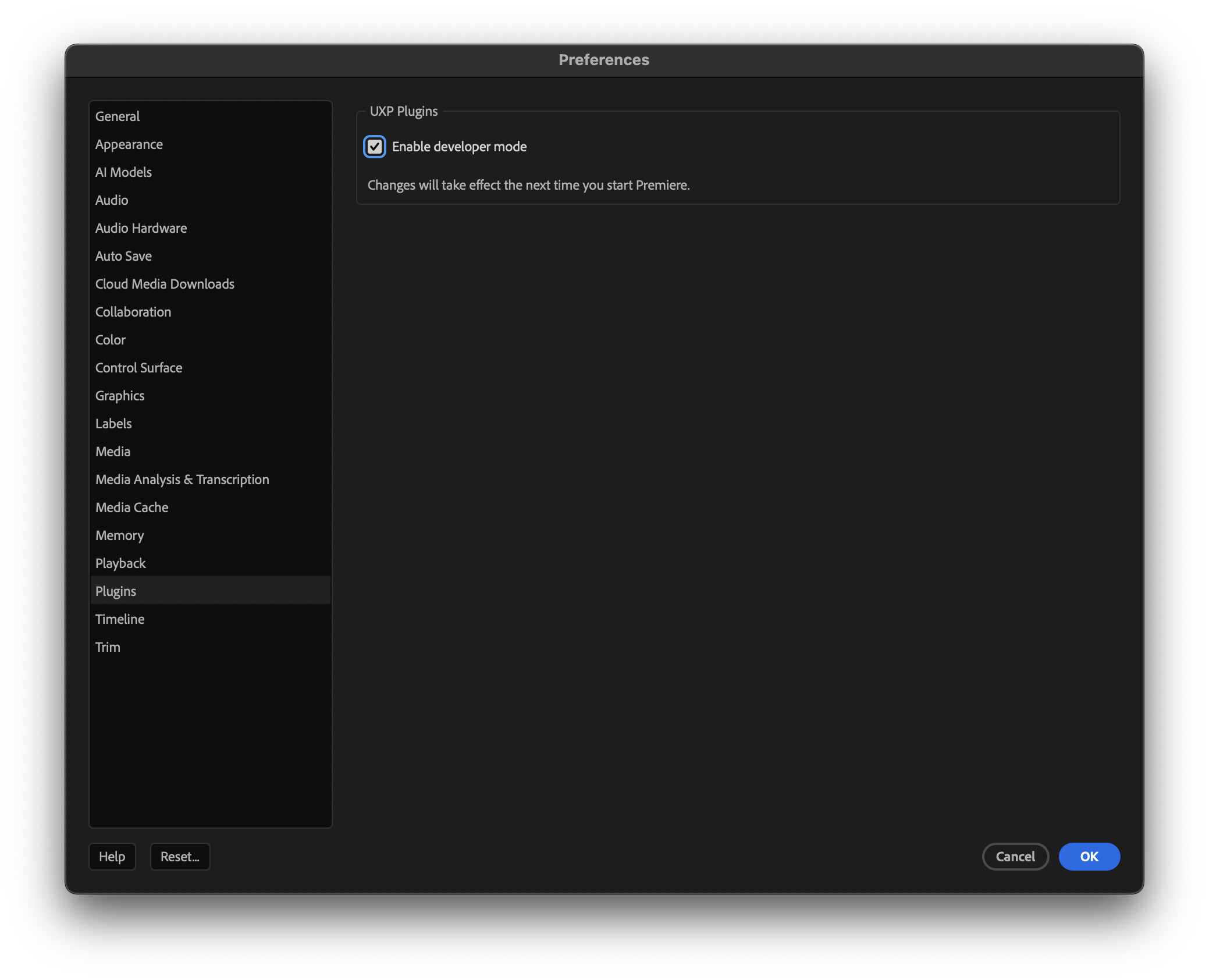
UXP Developer Tools never connects to Adobe Premiere Pro (Disconnected state).
The UXP runtime folder is never created when only Premiere Pro is installed.
Environment:
- macOS (reproduced also on Windows)
- Premiere Pro 25.6.4
- UXP Developer Tools 2.2
- Clean install, full disk access granted
Steps to reproduce:
- Clean Adobe installation using Creative Cloud Cleaner Tool
- Install Premiere Pro 25.6.4
- Install UXP Developer Tools 2.2
- Launch UXP Developer Tools and select Premiere Pro
- Launch Premiere Pro
Expected result:
- UXP runtime initializes
- Folder created at ~/Library/Application Support/Adobe/UXP
- Developer Tools connects to Premiere Pro
Actual result:
- UXP Developer Tools remains disconnected
- Folder ~/Library/Application Support/Adobe/UXP is never created
- No plugin can be loaded or debugged
Additional evidence:
- Installing and launching Photoshop creates the UXP folder correctly
- This proves UXP Developer Tools itself works
- Premiere Pro does not install or expose a UXP runtime
Conclusion:
Premiere Pro does not provide a functional UXP runtime for local development, making UXP plugin development impossible.