I’m experimenting with HTML, SVG Custom components for my scripts and panel but most HTML elements show jaggy corner or pixelate border, and this happens when added background color to an element.
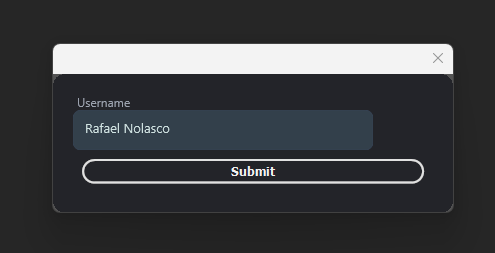
This is a custom SVG textfield but the editable textarea show a gray background with backgrounds set to none.
- Black background when background set to transparent.
There is no way to have true transparency in UXP.

This is another test experiment with contenteditable method but don’t work the text is static looks like this is another limitation in UXP.
Experimenting I found a way to customize picker button by first create all elements with regular HTML Button, dropdown etc.., and them convert it to sp-picker or sp-picker-button and for some reason inherit all html style and I get a clean and customizable picker button.
- The sp-menu is a simple “ div “ because sp-menu in UXP script create an ugly border around the menu and can’t be customized.

So there is no way to get true transparency in UXP script I haven’t test on panel but I think have the same limitation.
