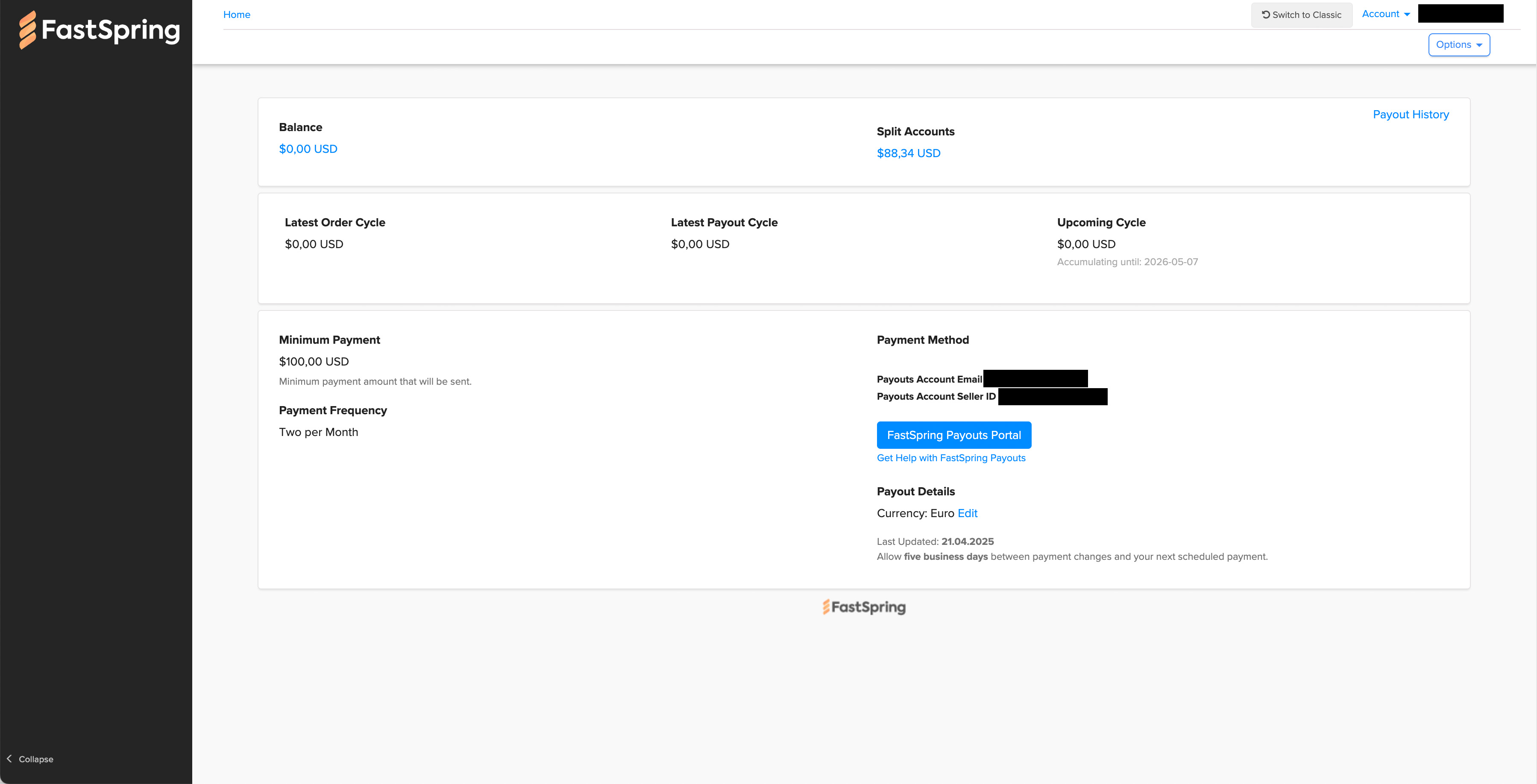
As of April 16th 2026, all earned revenue has stopped appearing inside of the FastSpring portal for Adobe Exchange developer plugins. At the same time all coupon codes have broken and stopped working on Adobe Exchange listings/checkout pages.
I contacted another plugin developer and they have observed the same issue at about the same starting time period.
And to clarify how I’m certain this isn’t just some “revenue shortfall, people aren’t paying for your particular plugin” fluke, my plugin has earned between $600-$800/week for the last 12 months consistently. It’s subscription based, I have many ongoing users who are still actively using it, and I’ve had continued new acquisitions during this time period for the paid plugin. The drop to $0 is clearly caused by something becoming broken/unsynced between FastSpring / Adobe Exchange / the developer portal to where earned income isn’t being sent to, or showing up in the reports, where it needs to go.
This is a MAJOR URGENT issue impacting Adobe Exchange plugin developers that needs immediate attention. PLEASE INVESTIGATE AND FIX ASAP!!!
(NOTE: I noticed a recent visual update/difference in the FastSpring checkout widget on the Adobe Exchange listing pages, not sure if the two are connected and if perhaps a recent update somehow broke connections between existing plugins / developer accounts / the FastSpring account on the backend.)
Just FYI: folks at Adobe are, apperently, looking into it. I just was on the phone with my former co-worker (for those that aren’t aware: I previously had worked in the DevEx team at Adobe, but no longer do) and I mentioned this. So just as a heads-up that: (1) folks at Adobe are aware, now, and (2) they are looking into it.
Thank you so much for reporting this. I am incredibly relieved to find I’m not the only one. I’ve been seeing steady daily revenue for over a year, and like everyone else here, it dropped to absolute zero exactly on April 16th.
One specific detail I can add: I just performed a test purchase using a completely different account, and that transaction DID show up in my FastSpring dashboard immediately.
This suggests that the basic connection between the Store and FastSpring might still be alive, but something in the ‘handshake’ or the automated reporting for regular organic customers seems to be completely broken or unsynced since the latest update.
I really hope the team at Adobe can resolve this ASAP, as this is a massive hit to our daily operations. Thanks for the heads-up that Adobe is already looking into it!"
Hi @Erin_Finnegan , thanks for your reply and for your help.
My developer profile is here: Adobe Exchange All plugins appear to be affected
The last revenue synced to FastSpring was on April 15, 2026. There haven’t been any revenue since then. I made a test purchase on April 22 that shows up. But the period in between is “suspiciously” empty. Normally, I’ve had daily sales for the past 3–4 years, and it’s unlikely that they’ve suddenly dropped off.
I can confirm that I haven’t seen any sales since April 14, 2026 – which is suspicious, as there hasn’t been a single one. Additionally, all of my configured coupon codes have stopped working.
I see payments/revenue has started to show up again as of 4/24/2026, however I still see no payments/revenue information for 4/16 through 4/23 – so that represents about $600 – $800 in missing revenue for my plugin.
A customer just told me that she tried to purchase a plugin on April 23. The payment process was completed (the amount was charged to the credit card), but the plugin could not be installed afterward.
According to her, the Plugin does not appear in the Creative Cloud app, and she did not receive an email from FastSpring with the license. I also do not see a plugin purchase under Adobe Developer Distribution.
Hi all,
As Erin mentioned, and as some of you confirmed, Fastspring fixed the problem for new sales starting Friday or Saturday of last week. However, you still can’t see sales from the previous week. Fastspring is working on a solution, and we will update you here soon. We are also aware that some coupons are not working at the moment. They are looking into it as well. Please stay tuned for an update.
thank you for looking into this issue. Perhaps a user’s description of the error will help identify the problem.
-–
Yesterday, April 28, he purchased the plugin “ALT-Text for InDesign” on Adobe Exchange, received a purchase confirmation (screenshot), and was then redirected to the Adobe Creative Cloud app. Error code 1001 was displayed in the Creative Cloud app.
Duplicate rows for each product, but one row is some slug/ID and the other one is what has been there from the beginning. These ID rows appeared only very recently. In this screenshot from FastSpring it’s the same plugin in both rows
I can see an “Adjustment due to adobe split pay issue-BC” entry in FastSpring on 29.04.2026.
However, there seems to be an issue again – no sales have been logged after that date. Can anyone else confirm this?
Since no further information is coming from Adobe, and users are seeing duplicate product rows and cryptic plugin IDs instead of plugin names, I think I know what’s happening behind the scenes.
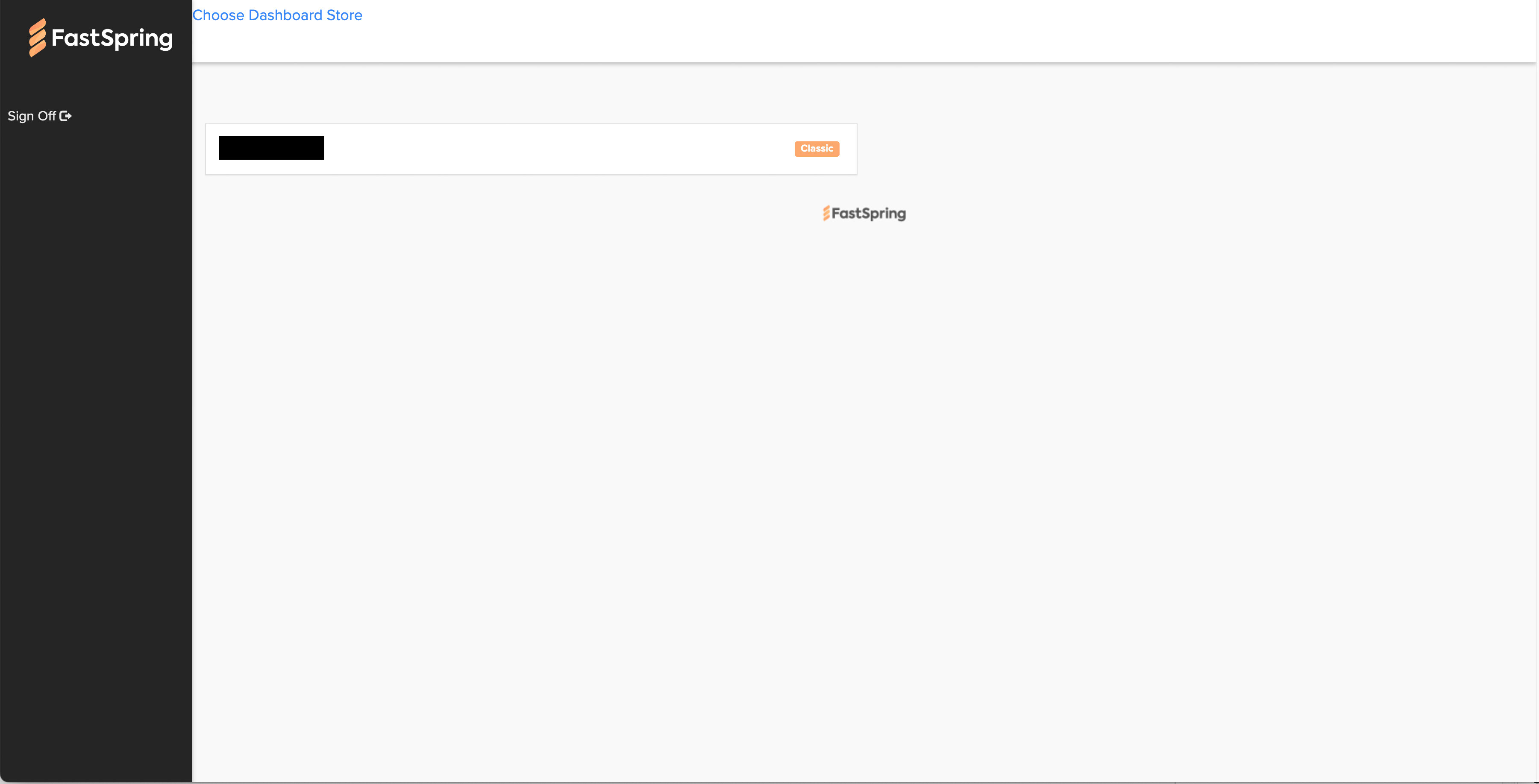
FastSpring has two store types internally: the old “Classic” store and the newer “Contextual” store. It looks like Adobe/FastSpring has switched over to the Contextual store, since pop-ups are now available on Adobe Exchange – previously, clicking “Buy” opened a new tab, whereas now it opens a pop-up.
This switch also explains the new entries for each plugin in FastSpring: when migrating to the Contextual store, new products have to be created in the FastSpring backend. Another giveaway is the word “context” appearing in the plugin names.
I know this because I also use FastSpring for some of my other products.
I hope this sheds some light on what’s happening behind the scenes, and I hope Adobe steps in on this. It’s an important topic for all of us, and the current situation is very disappointing. Coupon codes previously created by Adobe still aren’t working, and the cryptic plugin names are very confusing.
I only use FastSpring in conjunction with Adobe Exchange, and I don’t see a list of the individual plugins at all – neither in the new store nor in the Classic store.
But I can confirm that purchasing through Adobe Exchange still doesn’t work for my plugins either.
I only use FastSpring in conjunction with Adobe Exchange, and I don’t see a list of the individual plugins at all – neither in the new store nor in the Classic store.
What are you seeing? Screenshot?
But I can confirm that purchasing through Adobe Exchange still doesn’t work for my plugins either.
I haven’t heard that purchasing itself isn’t working. The issue I’m seeing is that on our side as developers, no sales are being logged in the FastSpring backend.
I constantly receive support requests from users who purchase the plugin through Adobe Exchange. Although the amount is charged to their credit card, they do not receive an email from FastSpring. Afterward, error 1001 appears in Creative Cloud.
No orders are listed in the Adobe Developer dashboard. I haven’t received any payments from FastSpring.
I’m not sure if it’s the same issue, but it’s probably related to that.